
Introducing Avatar V video generation
HeyGen's most lifelike talking-avatar model brings natural, expressive on-camera video to AIR Workspace — no studio required.
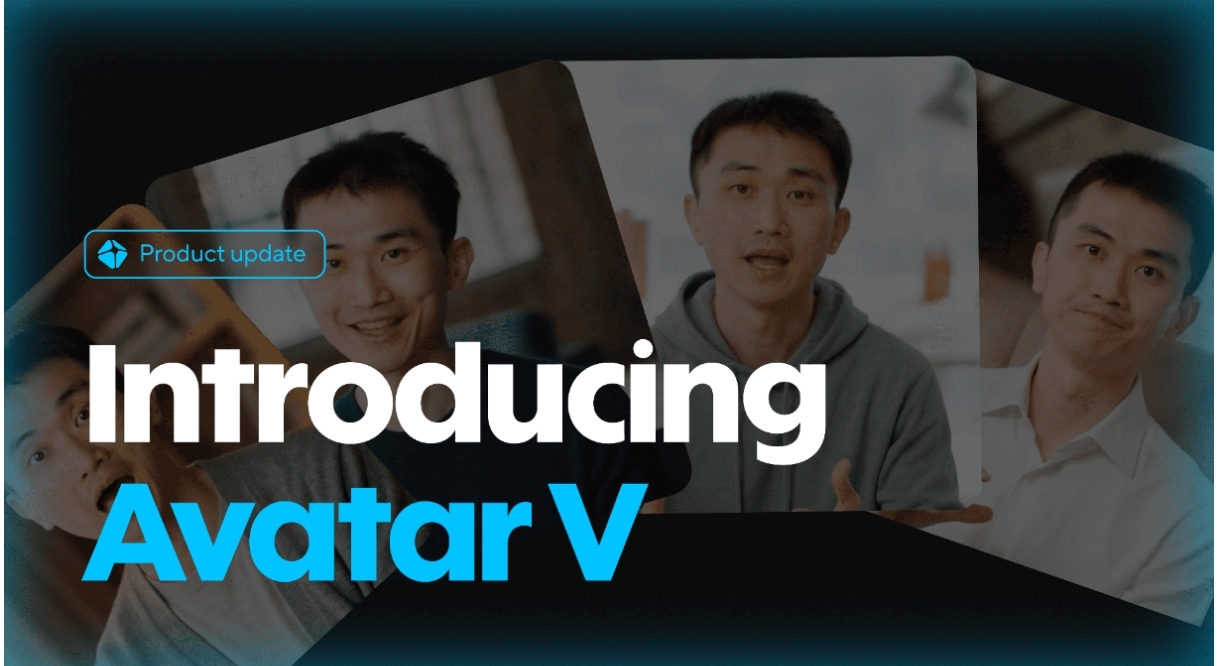
Video is the format that converts, but it is also the format most people avoid. Setting up a camera, lighting, audio, and then doing take after take until you stop stumbling over your words is a real barrier. For most creators, the bottleneck has never been ideas — it has been the production.
Avatar V, HeyGen's most lifelike talking-avatar model, removes that bottleneck. Inside AIR Workspace, it turns a script into a natural, expressive on-camera video without you ever touching a camera. No studio, no lighting rig, no reshoots — just words in, a finished presenter out.
This post covers what Avatar V actually is, why it clears the realism bar that earlier avatar tech never quite reached, how the script-to-video workflow runs inside AIR Workspace, and where it pays off most. If video has been the thing you keep meaning to do and never start, this is the feature that removes the excuse.
Why most people never make the video
The reason video underperforms in most content plans is not that people doubt it works. Everyone knows a talking-head clip outperforms a wall of text. The reason is friction. Recording yourself means finding a quiet room, decent light, a passable microphone, and the nerve to talk to a lens. Then it means watching yourself back, cringing, and doing it again.
Multiply that by the number of videos a real content schedule demands and the format collapses under its own overhead. People shoot one video, find the whole process exhausting, and quietly go back to writing. The idea was never the problem. The production always was.
Avatar V attacks the production directly. It does not make you a better presenter — it makes the presenter unnecessary. The performance is generated, so the friction that kills most video plans simply disappears.
| Step | Traditional recording | Avatar V |
|---|---|---|
| Setup | Camera, lights, mic, quiet room | None |
| Performance | Multiple takes on camera | Generated from script |
| Fixing a mistake | Reshoot the segment | Edit the text, regenerate |
| Consistency | Varies shoot to shoot | Identical every time |
| Making 10 versions | 10 separate shoots | Swap the script |
What makes Avatar V different
Talking-avatar technology has been around for a while, but earlier generations had a tell. The mouth movements were slightly off. The expressions were flat. The result landed in the uncanny valley, where the brain knows something is wrong even if it cannot say what.
Avatar V is a step change. It produces lifelike motion, natural facial expressions, and lip-sync that actually matches the words. The avatars move and emote in a way that reads as human, which is the whole point — a video only works if viewers forget they are watching a generated presenter.
That realism is what turns the technology from a novelty into a tool. When the motion is convincing, viewers stop analyzing the medium and start listening to the message. That is the bar every generative video feature has to clear, and it is the bar Avatar V finally meets.
Illustrative. The jump that matters is escaping the uncanny valley, where viewers stop noticing the medium.
From script to spokesperson
The workflow inside AIR Workspace is deliberately simple. You start with a script — which you can write yourself or generate in the workspace — choose an avatar and a voice, and the platform produces a finished talking-head video.
Because everything lives in one place, the steps connect. The script you generated can flow straight into the video. The voice can match your brand. You are not exporting files between five tools; you are moving from idea to finished video inside a single canvas. What would have been a multi-app, multi-day pipeline becomes a few connected steps in one place.
That integration is quietly the biggest time-saver. The friction in most creative workflows is not any single step — it is the handoffs between tools. Removing them is what turns video from a project into a task.
Where Avatar V earns its keep
The use cases are broad. Faceless creators can finally put a consistent presenter on screen. Marketers can produce explainer videos and ads at volume. Educators can turn lessons into watchable content. Teams can localize a message into many versions without re-shooting anything.
The common thread is repeatability. Once you have an avatar and a voice you like, you can produce video after video that looks and sounds consistent. That consistency is hard to achieve with live recording — your energy, lighting, and background all drift from shoot to shoot — and trivial with Avatar V, where every video starts from the same reliable baseline.
It also changes the economics of experimentation. When a video costs a script instead of a shoot, you can test three hooks instead of agonizing over one, localize into five languages instead of picking your best market, and refresh an ad weekly instead of quarterly.
| Creator | What it unlocks |
|---|---|
| Faceless channels | A consistent on-screen presenter |
| Marketers | Explainers and ads at volume |
| Educators | Lessons turned into watchable video |
| Global teams | One message, many localized versions |
| Solo founders | Studio-grade video without a studio |
Quality that respects the viewer
A generated video still has to clear a bar: it has to be good enough that the audience stays. Avatar V clears it. The realism of the motion and expression means viewers engage with the message rather than getting distracted by the medium.
That is the standard AIR Workspace holds for every generative feature. The technology should disappear into the result. With Avatar V, the output is polished enough to publish — to a channel, a landing page, an ad, or a course — without an apology or a disclaimer that it was AI-generated.
The test is simple: would you put your name on it? For a growing range of use cases, the honest answer with Avatar V is yes. That is the threshold that separates a demo from a tool you actually use.
The technology should disappear into the result. A video only works if viewers forget they are watching a generated presenter.
— The AIR Workspace quality standard
The bottom line
Avatar V brings genuinely lifelike talking-avatar video to AIR Workspace, turning scripts into on-camera content without the studio. It is the most expressive avatar model HeyGen offers, and it makes professional video production something you can do from your keyboard.
If video has been the format you keep putting off, this is the feature that removes the excuse. Write the script, pick the avatar and voice, and let the workspace handle the part that used to take a camera, a crew, and a dozen takes. The idea was always the hard part — now it is the only part.