
How to make faceless Reels with AI (full workflow)
A complete, repeatable workflow for faceless Instagram Reels and TikToks: hook-first scripts, AI voiceover, visuals without a camera, captions and a weekly posting rhythm.
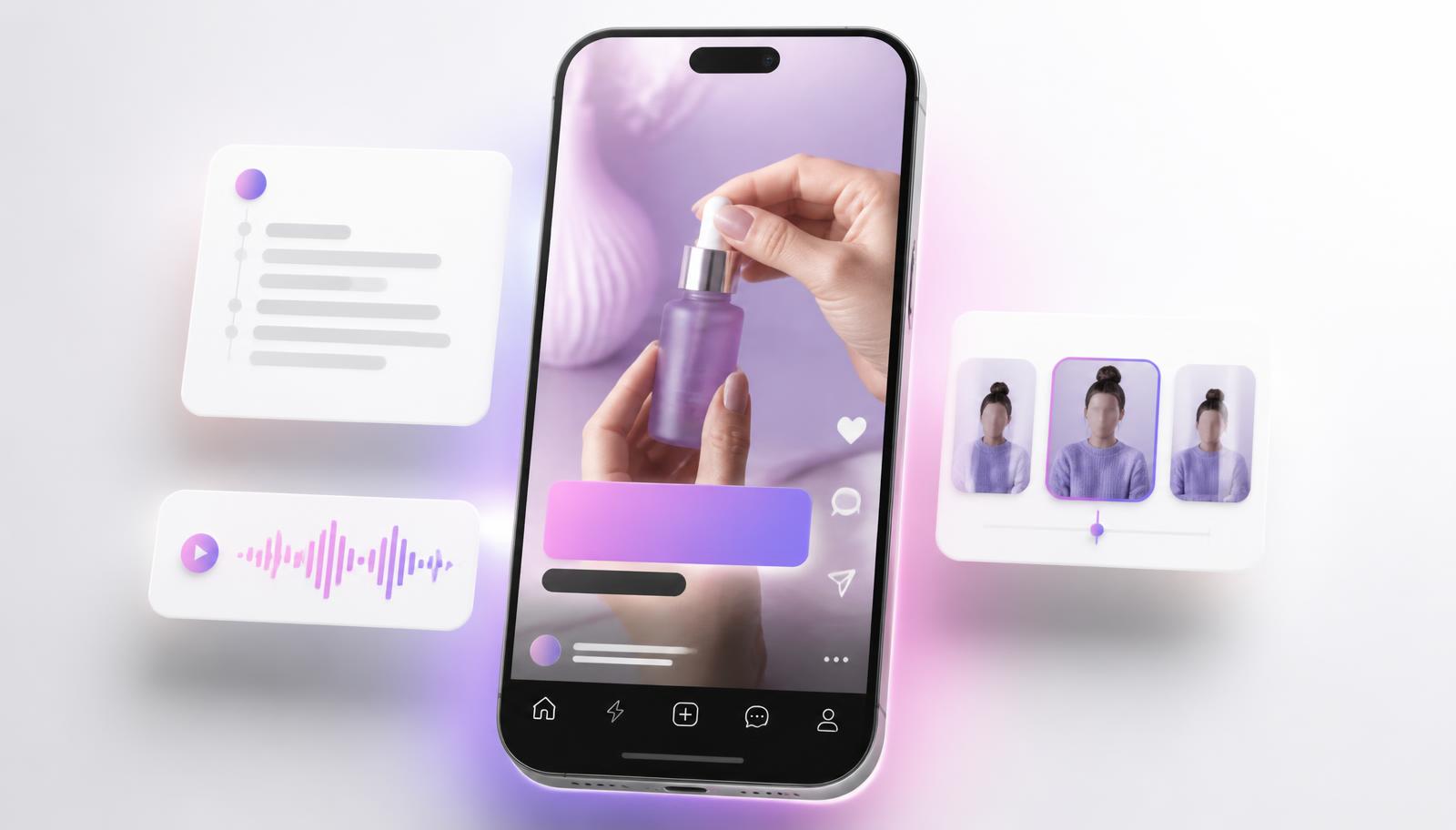
Faceless Reels are short vertical videos that never show your face. Instead of a presenter, the screen carries the story: hands doing something, a product close-up, a screen recording, stock b-roll, or an AI avatar that is not you. The voice is either your own recording or a synthetic voice. Everything else is text, timing and rhythm.
People choose this format for two honest reasons. The first is privacy: not everyone wants their face attached to a growing account. The second is throughput. Filming yourself well takes lighting, a set, an outfit and a good hair day. A faceless video takes a script, a voice track and a stack of clips — which means one person can ship five videos in the time it takes to film one.
This guide is the end-to-end workflow we recommend inside AIR Workspace: how to pick an idea, write a hook that survives the first second, produce the voiceover, assemble visuals without a camera, add captions, and repeat it weekly without burning out. Every step below can be done manually with free tools. We also show where AIR collapses the step into one prompt, because that is the part most people give up on.
Step 1 — Pick a niche narrow enough to repeat
The most common faceless mistake is a channel about everything. Vertical feeds reward recognisable patterns: the viewer should be able to guess what the next video will be about before it starts. Narrow beats broad, and repeatable beats clever.
A workable test: can you list twenty video ideas in the same shape without straining? "Budget kitchen gadgets tested", "one Excel trick a day", "weird facts about deep sea animals", "three-ingredient dinners" all pass. "Motivation and lifestyle" does not — there is no shape to repeat.
Pick a niche where visuals exist without you. If the topic can be shown with hands, screens, products, maps, charts or stock footage, it is faceless-friendly. If it needs a person emoting on camera to work, it is not — that is a talking-head format wearing a faceless costume.
Step 2 — Write the script hook-first
A Reel is won or lost in the first second. Write the hook before the script, not after. Strong hooks are concrete and slightly incomplete: they state a specific claim, a cost, a mistake or a number, and they leave the resolution just out of reach.
Then write the body as spoken sentences, not written ones. Read it out loud once. Anything you stumble over gets cut. A 30-second Reel is roughly 70–85 words; a 45-second one is about 110–130. Longer than that and retention falls off a cliff unless the payoff is genuinely worth it.
End with one action, not three. "Save this for your next grocery run" outperforms "like, comment, follow and check the link", because a single instruction is something a scrolling viewer can actually complete.
In AIR, this is one prompt: ask for a 35-second faceless Reel script on your topic, with a one-line hook, spoken-word body, and a shot list. Because scripts are routed through the Air Max engine, you get the hook variations and the shot list in the same pass rather than three separate chats.
Step 3 — Produce the voiceover
Faceless video lives on its voice. A flat, robotic read makes even a great script feel like a slideshow. You have three options, in ascending order of effort: a synthetic voice, a cloned version of your own voice, or a raw phone recording cleaned up afterwards.
Synthetic voice is the default for volume. The quality bar has moved: modern text-to-speech handles emphasis, pauses and breath convincingly enough that most viewers never question it. What still gives it away is punctuation — write commas and full stops where you want the voice to breathe, and split long sentences.
Voice cloning is the upgrade when the account is yours long-term. You record a few minutes once, and every future script is spoken in your own voice without opening a mic again. It keeps the audio identity consistent across hundreds of videos, which matters more for recognition than most creators expect.
In AIR the voiceover is generated straight from the script in the same conversation, so you never copy text between tools. Pick a voice, choose the pace, and the narration comes back as a downloadable track ready to sit under your clips.
Step 4 — Assemble visuals without a camera
There are four reliable visual patterns for faceless Reels, and almost every successful account uses one of them consistently.
Pattern one: b-roll montage. Three to six stock or self-shot clips, cut on the beat of the voiceover, with large captions carrying the meaning. Cheap, fast, and works for facts, lists and storytelling.
Pattern two: hands and objects. You film your own hands doing the thing — cooking, unboxing, assembling, drawing. Highest trust per second of effort, because the footage is genuinely yours and nobody else has it.
Pattern three: screen recording. Ideal for software, spreadsheets, finance and how-to niches. Zoom in aggressively: a full desktop view is unreadable on a phone, so crop to the region that matters and move the crop as the demo progresses.
Pattern four: AI avatar as narrator. A presenter that is not you delivers the script while your captions and b-roll do the explaining. This is the closest faceless format to a talking head, and it works well for explainers, news roundups and product walkthroughs. AIR generates the avatar clip from the same script and voice, including lip-sync, so the presenter matches the narration instead of drifting out of time.
Step 5 — Captions, pacing and the technical floor
Most short-form video is watched muted at least part of the time, so captions are not an accessibility extra — they are the primary channel. Burn them in, keep them to three or four words per line, centre them in the safe middle third of the frame, and keep them clear of the platform's own UI at the top and bottom.
Get the technical basics right once and stop thinking about them: 1080×1920 vertical, 30fps or 60fps, loudness normalised so the voice sits well above the music bed, and music at roughly 15–20% of the voice level. Cut a visual change every 1.5 to 3 seconds; the eye treats a static frame as a reason to scroll.
Design the last half-second as a loop back into the first. Feeds replay automatically, and a video whose ending flows into its opening frame quietly doubles its watch time without any extra content.
Step 6 — Publish on a rhythm you can actually hold
Faceless accounts grow on consistency, not on individual hits. Five modest videos a week beats one perfect video a month, because each post is a new test of hooks, topics and formats — and the only reliable way to learn what your audience wants is to run those tests often.
Batch the work by stage rather than by video: write five scripts in one sitting, generate five voiceovers, then assemble five edits. Context-switching between writing and editing is what makes creators quit in week three.
Track two numbers per post and ignore the rest at first: retention in the first three seconds (hook quality) and saves or shares (value delivered). Views are downstream of both. When a hook style beats your average twice, make it a template and reuse it.
Where AIR fits — and where it does not
AIR Workspace exists to remove the tool-switching tax. In one conversation you can research the niche, generate the script and hook variants, produce the voiceover in a synthetic or cloned voice, generate an avatar or thumbnail, and get a shot list you can hand to any editor. Because it runs on the Air Max engine, harder steps — research, structuring a series, planning a month of posts — get routed to stronger models automatically, while quick rewrites stay fast and cheap.
What AIR does not do is replace judgement. It cannot tell you which niche you will still care about in six months, and it will not save a format nobody wants. Treat it as production capacity: it makes shipping five videos a week realistic for one person. Choosing what those five videos are about is still your job — and that is the part that actually decides whether the channel works.
If you want a concrete starting point, open the Supercomputer, describe your niche and ask for a week of faceless Reels with hooks, scripts and shot lists. You will have the first batch before you have finished deciding on a channel name.